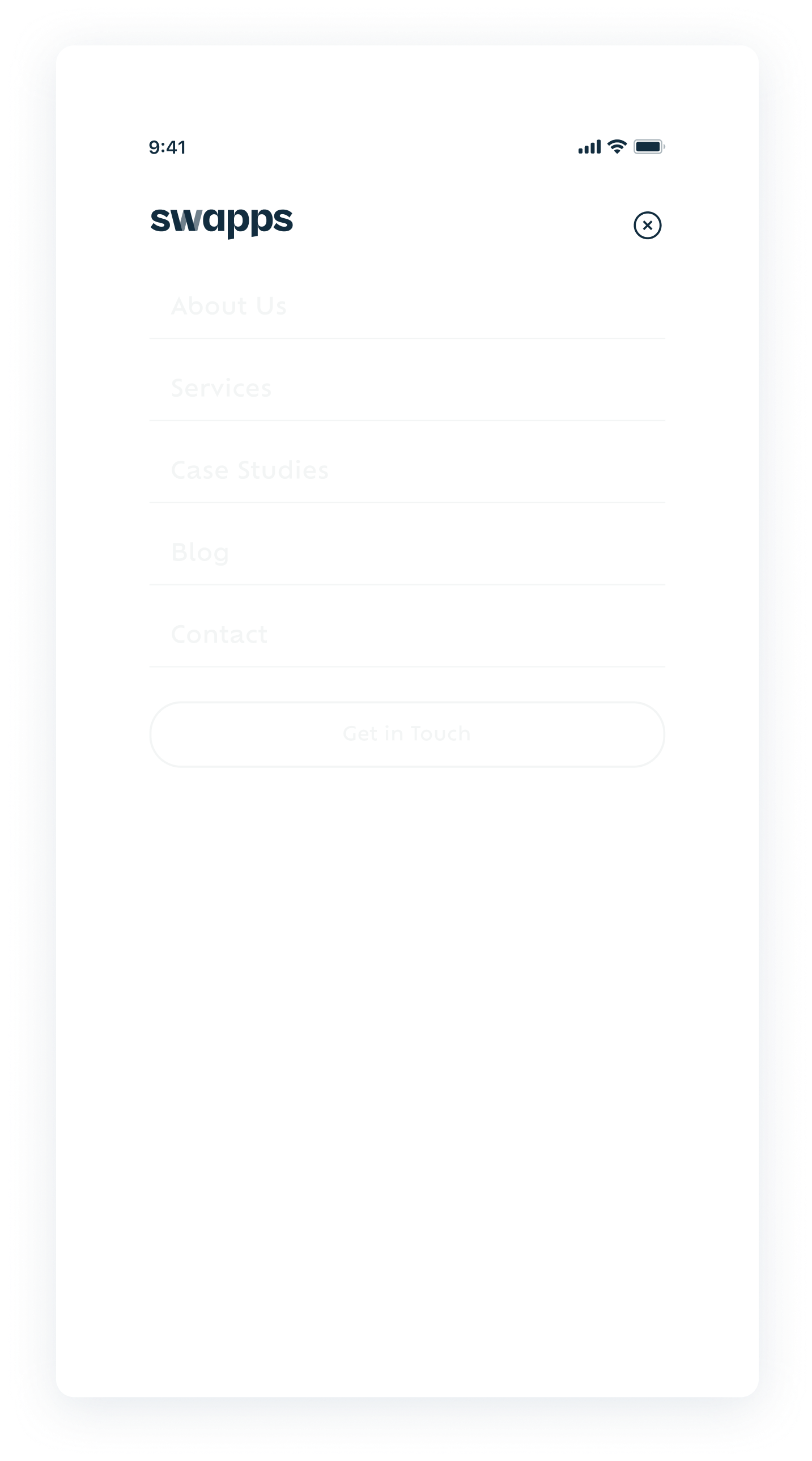
Navigations
A header is a prominent element typically found at the top of a webpage or application, providing navigation and important information to the user. It often includes branding (such as a logo), navigation links, search functionality, user profile access, and other key actions.
Usages
To provide a consistent and accessible way for users to navigate your site or application and display important actions and information, such as the site logo, navigation links, and user-related actions. We made two different cases depending in which screen you were looking: Desktop and mobile.
Best Practices
Do´s:
- Use clear labels and icons for navigation items.
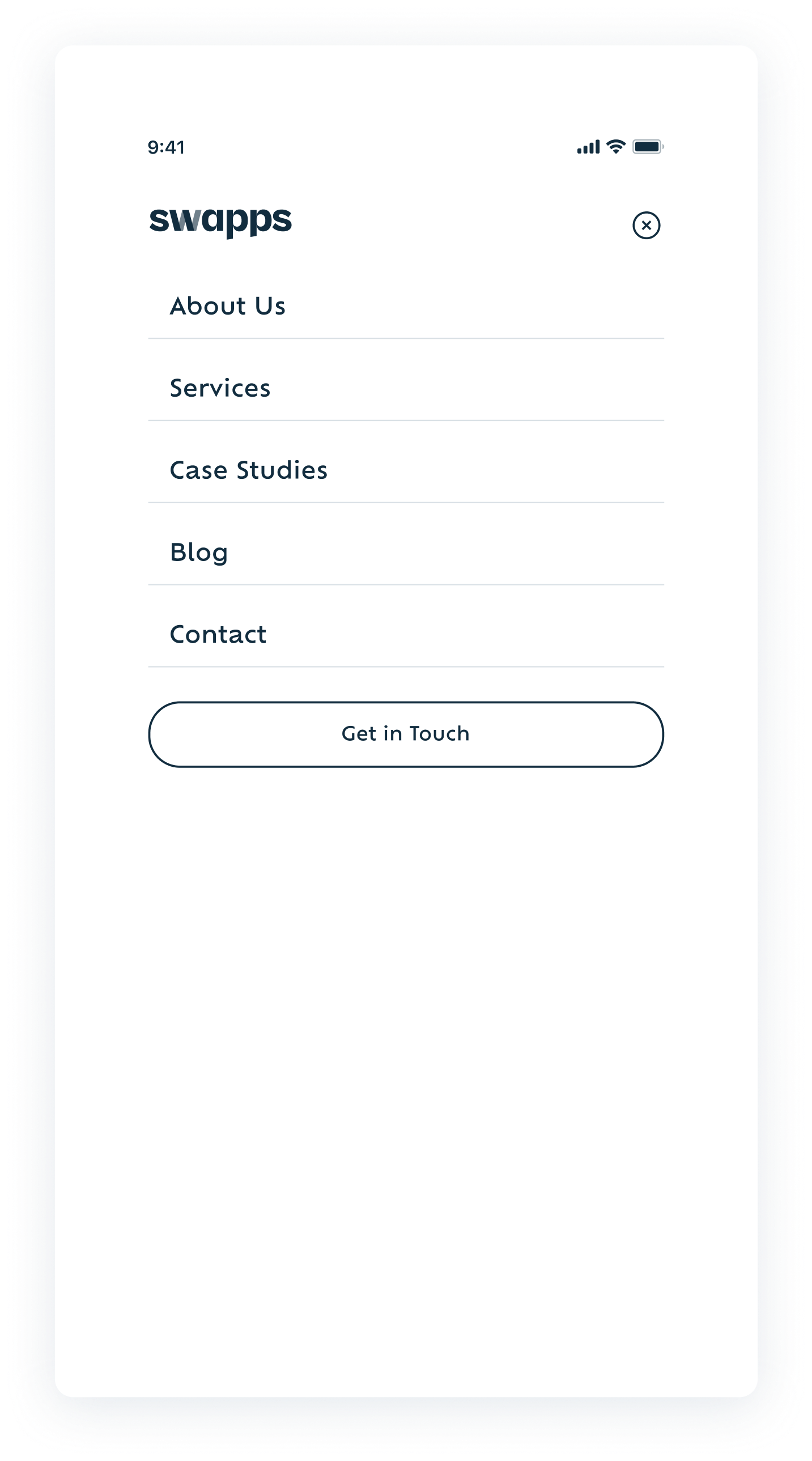
- Adapt the header layout for different devices (desktop, tablet, mobile).
- Keep the header design consistent across all pages.
Dont´s:
- Avoid adding too many elements that can make the header look cluttered and confusing.
- Ensure the text and icons in the header are easily readable against the background.
- Don't ignore how the header looks and functions on mobile devices.